Approve every booking
Requests appear in miBooks and by email. Approve one and it's in the diary, and the client gets a confirmation email with an "Add to calendar" link.
Online booking for salons
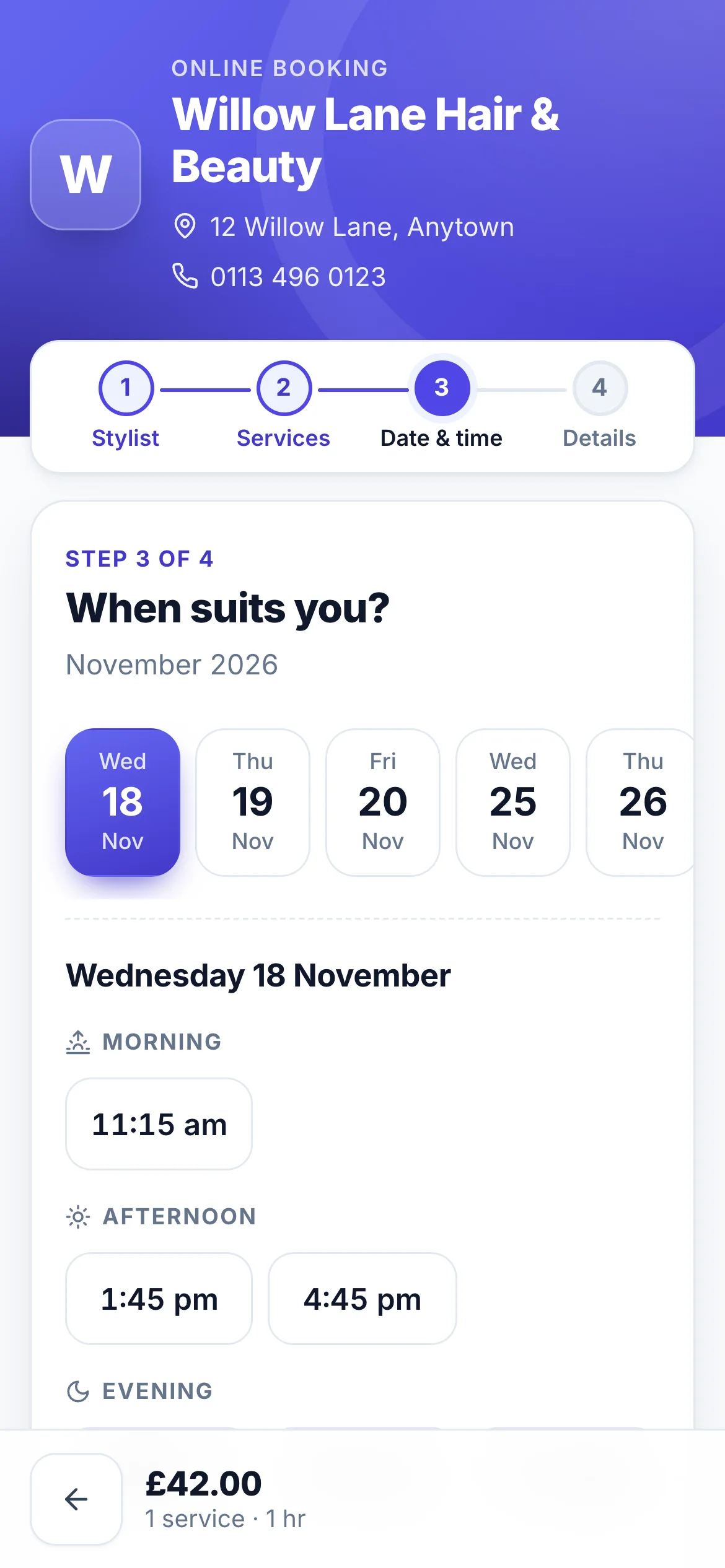
Clients book from your link at any time of day. Every request waits for you to approve it, or suggest another time, before it goes in your diary.
There's no app to download and no account to create. It works beautifully on a phone, which is where most clients book.
Requests appear in miBooks and by email. Approve one and it's in the diary, and the client gets a confirmation email with an "Add to calendar" link.
Can't fit them in? Pick another free time and add a note. The client accepts or declines with one tap.
Clients only see genuinely free times, and miBooks checks again when you approve, so two clients can never end up in the same slot.
Put your link in your Instagram bio, pin it on Facebook, add it to your website or Google profile, or print a QR code for the desk. Clients can book while you're busy with a client, after hours, or on a Sunday night.
Online booking is rolling out to miBooks salons now. Ask us for a demo.
Questions
No, not until you say so. Each online booking is a request. You approve it, suggest another time, or decline it, and the client is emailed at each step.
No. Clients book from a web link on their phone or computer, with no app or account needed.
Yes. They can pick a stylist, or choose "any available stylist" to see the first free time with anyone. Each stylist only offers the services they do.
Clients only see times that are really free. miBooks holds the time while a request waits for you, and checks the diary again when you approve it, so nothing is ever double booked.
Contact us
Want a demo, have a question, or ready to move your diary to miBooks? Send us a message and we'll get back to you by email.
We'll reply to as soon as we can. If you can't see our reply, check your junk folder.